

Phishing-resistant multi-factor authentication is an advanced security mechanism that uses cryptographic keys and domain-matching technology to verify user identities. Unlike traditional methods that transmit temporary codes, it mathematically binds authentication to a legitimate web address, completely neutralizing interception attempts, social engineering coercion, and clever adversary-in-the-middle attacks.
- Standard MFA techniques like SMS codes and push prompts are increasingly vulnerable to interception and user fatigue manipulation.
- Phishing-resistant MFA utilizes public key cryptography and origin binding, remaining completely silent if a fake or spoofed website tries to capture credentials.
- Organizations implementing robust credentials block over 99% of identity-based automated cyber attacks.
- Modern frameworks mandate strong cryptographic verification methods across distributed workforces and cloud-first enterprise architectures.
Why Standard Multi-Factor Authentication Methods Fall Short
Traditional multi-factor authentication methods—such as SMS-based codes, email one-time passwords (OTPs), and mobile push notifications—served businesses well for many years. However, cyber criminals have evolved their tactics. According to insights shared in IBM’s guide on phishing resistant MFA, standard approaches rely heavily on generating a secret value, like a numeric code, which the end user must type into a screen or accept via an app prompt.
The core weakness is behavioral rather than structural. Phishing campaigns exploit human habits by tricking employees into handing over these transient secrets. Furthermore, attackers utilize adversary-in-the-middle kits, reverse-proxy setups, and MFA bombing (user fatigue) to coerce individuals into approving fraudulent login requests. Traditional systems treat any correct code as valid, failing to distinguish between an authorized team member and an imposter sitting on a spoofed domain.
As enterprise environments shift toward cloud-first setups and distributed remote workforces, these cracks widen. Stolen accounts remain a massive point of entry for malicious actors, accounting for nearly a third of initial breach incidents. Basic SMS authentication has dropped to a tiny fraction of enterprise logins as security teams realize that static codes no longer suffice for robust defense.

How Phishing-Resistant MFA Works Under the Hood
To understand why cryptographic authentication works so effectively, we must look at its core technical pillars: public key cryptography and origin binding. Instead of moving a shared secret back and forth across the network, the user’s device holds a mathematically linked pair of keys consisting of a public key stored on the server and a private key stored securely on the hardware device or trusted enclave.
Origin binding guarantees that the authenticator responds only when it detects the exact, legitimate domain name. If an employee visits a fake site crafted by an attacker, the authenticator recognizes that the domain does not match. It stays completely silent, meaning there is no data, code, or session token for the cyber criminal to intercept, even if the worker mistakenly types in their password.
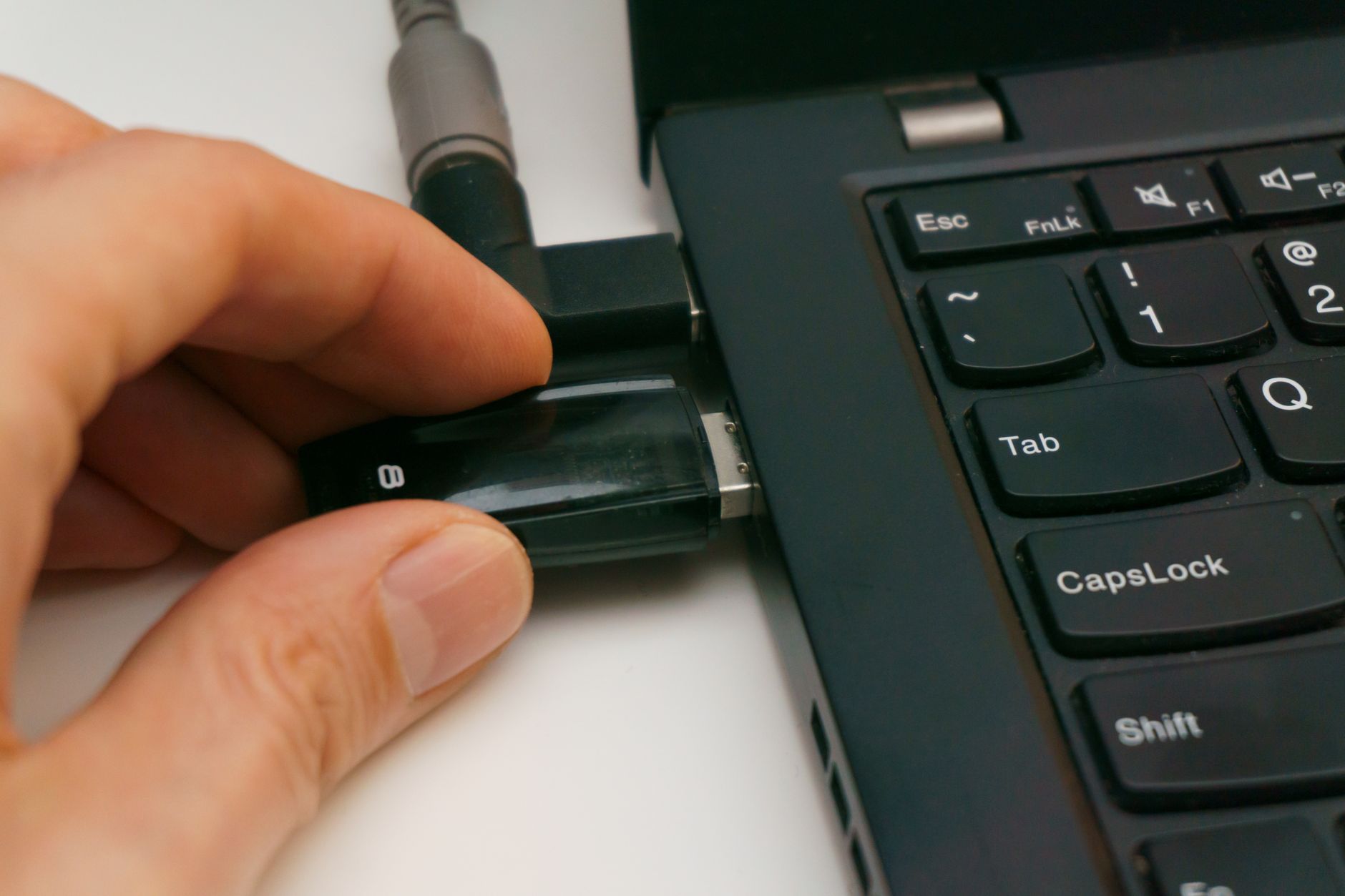
This process makes cryptographic tokens vastly superior to traditional mobile codes. Tools like FIDO2 security keys, hardware tokens, Windows Hello for business, macOS Platform SSO secure enclaves, and passkeys embedded in applications provide this high-assurance protection without adding burdensome friction to the daily login routine.
The Business Impact: Stopping 99% of Identity-Based Attacks
Identity is the primary perimeter in modern computing. Research compiled by Microsoft demonstrates that phishing-resistant multi-factor authentication blocks over 99% of automated identity-based cyber attacks, while more than 99.9% of compromised enterprise accounts lacked this robust protection entirely.
When organizations fail to upgrade their security posture, they leave the door wide open for automated credential stuffing and password spraying routines. Identity providers frequently block thousands of brute-force requests every single second. Implementing strict cryptographic controls significantly reduces the financial and operational fallout of potential breaches, aligning with recommendations found when evaluating options for cyber insurance policies.
Regulatory bodies and insurance underwriters increasingly treat phishing-resistant hardware keys and passkeys as the mandatory baseline. Businesses that neglect these protocols face higher liabilities, while those that adopt them enjoy a dramatic decrease in unauthorized access events.
Common Mistakes and Practical Deployment Steps
Deploying advanced authentication requires a structured strategy rather than a sudden flip of a switch. Many business leaders make the mistake of assuming that any prompt-based app qualifies as phishing-resistant. Another common misstep is failing to account for automated service accounts or non-human workloads, which can break system scripts if not migrated to proper workload identities.
To roll out these defenses smoothly, consider the following decision rules and actions:
- Audit existing credentials: Identify every administrator and standard user account still relying on legacy SMS or voice verification methods.
- Transition service accounts: Move automated scripts and API connections away from human credentials and onto securely managed workload identities.
- Enforce conditional access: Apply policies that require hardware keys or compliant passkeys based on user location, device health, and risk level.
- Plan onboarding paths: Utilize temporary access passes and high-assurance identity proofing to handle remote employee setup securely.
For small and mid-sized enterprises looking to modernize their entire digital footprint, exploring resources focused on cybersecurity strategies to navigate future threats can help align technical upgrades with overarching business goals.
Frequently Asked Questions
What is the main difference between standard MFA and phishing-resistant MFA?
Standard MFA sends a temporary code or push notification that can be intercepted or spoofed via fake websites. Phishing-resistant MFA uses public key cryptography tied strictly to the legitimate domain name, making it impossible for an attacker to steal or replay the authentication factor.
Are SMS codes considered phishing-resistant?
No. SMS codes are highly vulnerable to interception, SIM swapping, and adversary-in-the-middle attacks where malicious proxy pages trick users into forwarding the text message code directly to the threat actor.
Do passkeys count as phishing-resistant authentication?
Yes. Passkeys built on FIDO2 standards use cryptographic key pairs and origin binding, meaning they will only communicate with the genuine website domain, rendering phishing attempts entirely ineffective against them.
How much do hardware security keys cost for a business?
Hardware security keys typically range from $20 to $70 per device depending on the form factor, connectivity options like USB or NFC, and enterprise management features required by your IT department.
Sources
- Microsoft Learn (AUTHORITY) – Phishing-resistant MFA Overview
- NIST (AUTHORITY) – Multi-Factor Authentication Small Business Guidance
- IBM – What is Phishing Resistant MFA and How Does It Work?
