

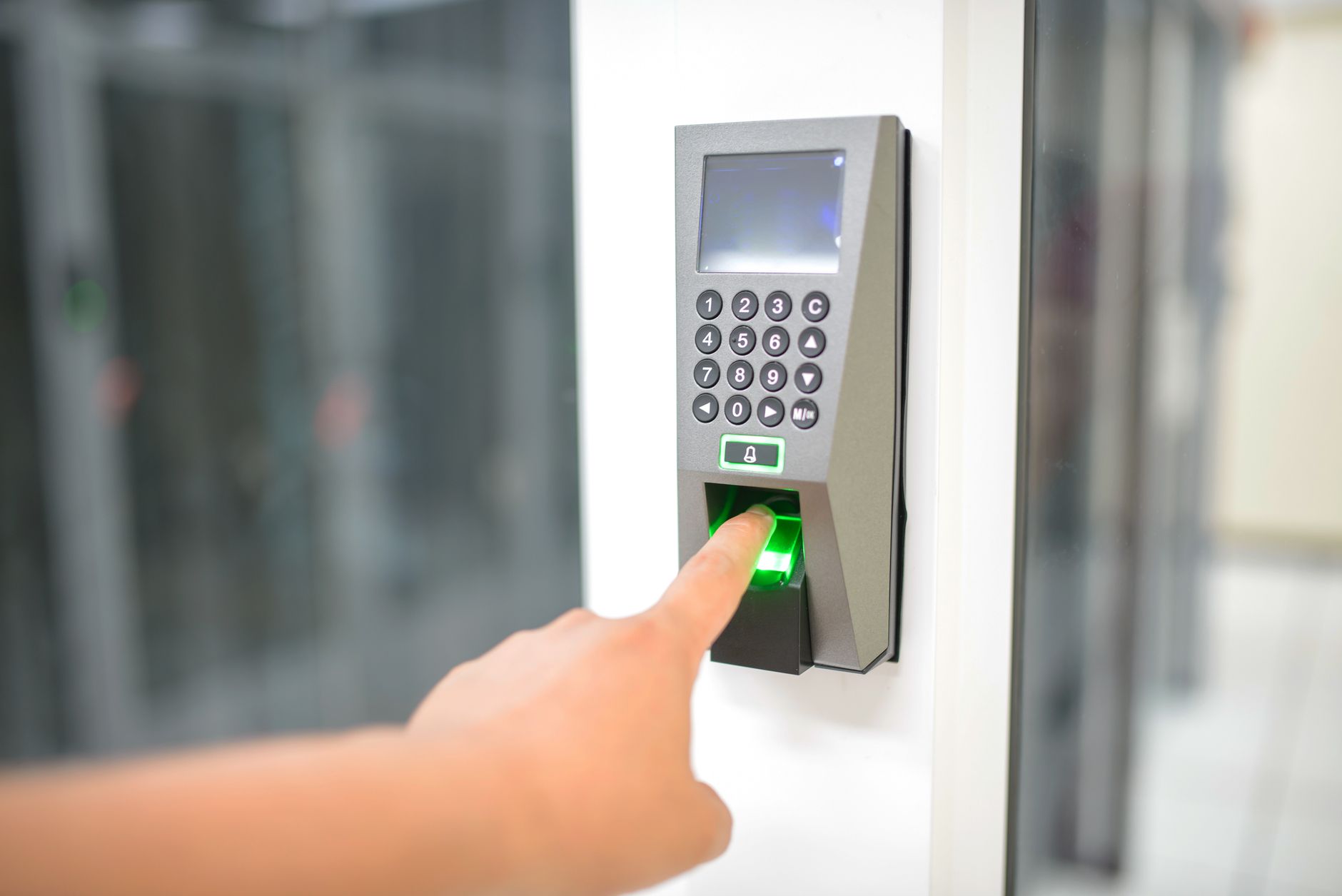
Passkeys use asymmetric cryptographic key pairs tied to your local device biometrics, eliminating traditional passwords entirely. Password managers store complex, generated passwords inside an encrypted database. Passkeys offer superior security by preventing phishing and credential server leaks, while password managers remain better for legacy websites and non-synced cross-platform access.
- Core distinction: Passkeys replace passwords with unique cryptographic key pairs, whereas password managers generate and store strong text-based passwords.
- Phishing resistance: Passkeys provide built-in phishing protection because private keys never leave your physical device and cannot be tricked into auto-filling on fake domains.
- Server security: With passkeys, servers only hold a public key. If a web server suffers a data breach, hackers gain zero actionable credentials.
- Legacy support: Password managers work on virtually any application or website today, while passkeys require the application or website to support WebAuthn standards.
- Hybrid adoption: The ideal security posture in 2026 uses passkeys wherever available while maintaining a password manager for legacy services.
What Are Passkeys and How Do They Work?
A passkey is a digital credential tied to a user account on an app or website, operating through bilateral cryptographic authentication. Unlike traditional text credentials, a passkey relies on a key pair consisting of a public key and a private key. The private key remains stored locally on your personal device—such as a smartphone, tablet, or laptop—and is encrypted. The public key resides on the website or application server.
When you log in using a passkey, your personal device authenticates your identity locally using biometric controls, such as facial recognition or fingerprint scanning. Once verified locally, your device completes a mathematical handshake with the server’s public key. Because the private key is never transmitted across the internet or stored on a central server, bad actors cannot steal it through server-side data breaches.
According to technical discussions on the CompTIA Instructors Network forum, passkeys are system-generated and completely unique to each service. This architectural design neutralizes common attack vectors like brute-forcing simple combinations such as “Password1234.” Furthermore, because passkeys rely on mathematical validation between verified domains and your physical device, they render social engineering attacks virtually ineffective.
To address device migration and backups, technical standards allow for syncable authenticators. As detailed in the NIST Digital Identity Guidelines update, syncable authenticators enable private keys to be securely cloned and backed up across user devices. Developed alongside FIDO Alliance protocols like the Client-to-Authenticator Protocol and W3C WebAuthentication (WebAuthn) standards, syncable passkeys provide cross-device access while maintaining high security levels suitable for Authentication Assurance Level 2 (AAL2).

What Are Password Managers and How Do They Protect You?
Password managers are software vaults designed to create, store, and auto-fill complex text passwords across your digital accounts. Modern computer processing power makes it easy for cyber criminals to crack short or predictable passwords. To defend against automated cracking, security frameworks advise using credentials that are long, random, and unique for every single service.
Because remembering dozens of long, unique passwords is impractical for most human beings, password managers act as a centralized, encrypted repository. As noted in the official CISA password management guidelines, storing passwords as plaintext in standard notes apps creates severe risks if a device is stolen. Password managers mitigate this risk by encrypting the credential database behind a master key.
When selecting a password manager, organizations and individuals choose between two main architectural models:
- Cloud-Based Vaults: These services store your encrypted vault on remote cloud servers. They offer high convenience by automatically syncing credentials across operating systems like Windows OS, Android OS, and iOS. However, because data travels over the internet and rests on third-party servers, cloud databases present a higher surface area for targeted attacks by sophisticated threat actors.
- Locally Maintained Vaults: Local databases store encrypted passwords directly on the user’s hardware. While this minimizes internet exposure and third-party risk, it carries a higher risk of data loss due to user error. If the local drive fails or the hardware is lost without regular external backups, access to all stored accounts can be lost permanently.
Passkeys vs Password Managers: Feature Comparison
Understanding how passkeys compare directly to password managers helps clarify why security models are shifting toward passwordless login mechanisms. While both tools aim to eliminate weak, reused credentials, their technical execution differs fundamentally.
| Feature | Passkey Credentials | Password Managers |
|---|---|---|
Phishing Vulnerabilities
The primary advantage of passkeys over traditional password managers lies in phishing resistance. When you use a password manager, the application relies on domain matching to suggest stored credentials. However, sophisticated attackers can sometimes trick users or browser extensions into auto-filling credentials on spoofed web addresses. If a user manually copies and pastes a master-generated password into a fake portal, the credential is stolen.
By contrast, passkeys use browser-level cryptographic validation. The browser automatically verifies the origin domain against the registered public key. If the domain does not match the key registration exactly, the handshake fails entirely without requesting biometric access. Organizations seeking to deploy phishing-resistant authentication methods increasingly favor passkey infrastructures for this reason.
Server Breach Impact
When a website using traditional password management suffers a database compromise, attackers obtain stored password hashes. If those hashes are weakly protected, threat actors can crack them offline. With passkeys, the target website only stores your public key. Public keys are designed to be known open-source data and cannot be mathematically converted to reveal your private key. Therefore, a server breach on a passkey-enabled site yields no actionable login credentials for hackers.
Which Is Better for Your Security Strategy in 2026?
Determining whether passkeys or password managers are “better” depends on your technical ecosystem, the platforms you access daily, and your organizational governance requirements. Neither tool needs to exist in total isolation; in fact, the most effective security models leverage both.
When Passkeys Are the Better Choice
Passkeys are superior for primary consumer services, critical personal accounts, and corporate portals that support FIDO2 standards. You should use passkeys whenever available for:
- Primary email accounts and recovery addresses
- Core cloud storage and identity provider portals
- Financial institutions and investment accounts
- High-risk SaaS platforms holding sensitive operational data
Transitioning primary entry points to passkeys significantly tightens organizational defense. It forms a key pillar when evaluating overall enterprise resilience, similar to assessing whether to purchase small business cyber insurance to offset digital risk.
When Password Managers Remain Essential
Despite the rapid adoption of passkeys, password managers remain indispensable for several key practical use cases:
- Legacy Web Platforms: Thousands of niche, older, or custom-built enterprise portals do not yet support WebAuthn standards. Password managers are necessary to generate and store 30+ character random text keys for these legacy login forms.
- Shared Team Credentials: Certain business operations require shared access to single administrative accounts. Password managers excel at securely sharing encrypted text entries across team permission groups.
- Multi-OS Environments: If your workflow spans mismatched ecosystems—such as running a custom Linux workstation alongside iOS hardware and Windows servers—a multi-platform password manager simplifies credential access.
For modern organizations reviewing their broader cybersecurity strategies in 2026, the recommended approach is a hybrid model. Use passkeys as your primary authentication method across major services, and store your fallback credentials or passkey entries inside an enterprise password manager capable of syncing passkeys across disparate platforms.
Implementation Challenges and How to Overcome Them
While passkeys improve security, transitioning away from traditional vaults requires planning around account recovery and device compatibility.
One challenge involves ecosystem lock-in. Native passkeys created within specific operating system keychains sync effortlessly across devices under the same cloud account (for instance, syncing across an iPhone, iPad, and Mac). However, passing that same passkey directly to a non-ecosystem device like a Windows OS machine or Android OS phone may require scanning a temporary QR code or using an independent third-party password manager that acts as a passkey vault.
Account recovery is another critical factor. Because passkeys do not use a memorable text password, losing your physical authenticators without cloud sync configured could lock you out of an account. Users must ensure that cloud-based syncable authenticators are enabled or that secondary physical security keys are registered as backup devices during initial account setup.
To explore more details on emerging identity protections, read our complete techybio cybersecurity guide covering modern authentication frameworks.
Frequently Asked Questions
Are passkeys safer than password managers?
Yes, passkeys are fundamentally safer than traditional passwords stored in a manager. Passkeys use asymmetric cryptography, meaning no secret key is stored on external web servers. They are immune to credential server breaches and natively prevent credential harvesting via phishing websites.
What happens if I lose the phone or computer holding my passkeys?
Modern passkeys are typically syncable authenticators, meaning they are backed up end-to-end through your cloud account (such as Apple iCloud Keychain, Google Password Manager, or Bitwarden). If you lose a device, logging into your cloud account on a new device restores your passkeys automatically.
Can a password manager store passkeys?
Yes, many modern password managers support storing, managing, and syncing passkeys alongside traditional password entries. This allows users to store cryptographic passkeys across different operating systems like Windows, Android, and iOS from a single software manager application.
Why haven’t all websites switched to passkeys?
Implementing passkeys requires web developers to update their login infrastructure to support WebAuthn protocols. While major technology platforms and financial services have adopted passkeys, millions of legacy software tools and smaller websites still rely on standard text-based login fields.
Sources
- CompTIA Instructors Network forum – Technical breakdown of bilateral authentication and passkey cryptographic structures.
- NIST Digital Identity Guidelines update – Official NIST SP 800-63B supplement details on syncable authenticators and WebAuthn standards.
- CISA password management guidelines – Federal guidance on password complexity, cloud storage risks, and local password databases.
